



-p-500.webp)


Tracking User Behavior on Your Website in Webflow

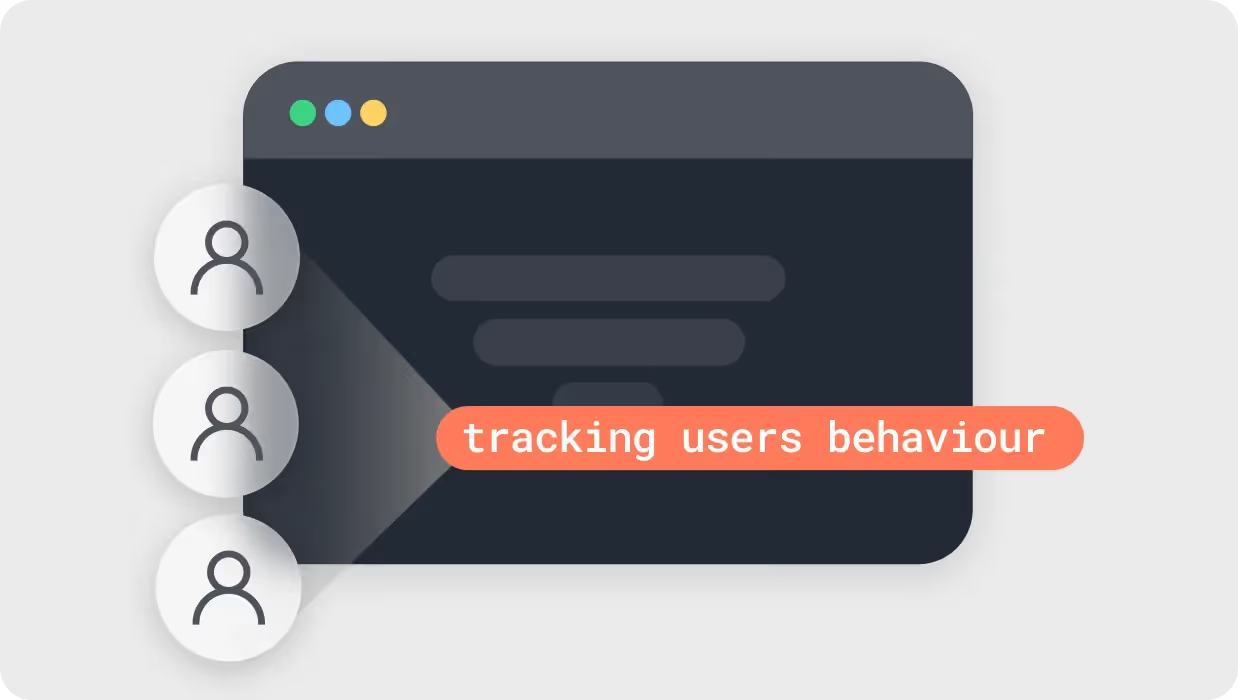
Why Visitor Behavior Matters
Tracking visitor clicks, scrolls, browsing patterns, and other interactions creates a holistic picture of the user experience. You can clearly see where visitors struggle, which pages resonate, what content works, and what fails. These behavioral signals allow data-driven decisions to reduce friction points and boost engagement. Essentially, visitor behavior data reveals optimization areas you never knew existed. It’s an invaluable asset for enhancing experiences and accelerating growth.
Choosing the Right Tools
Webflow offers easy integration with Google Analytics, Hotjar and more. Before implementation, pinpoint your goals. Do you want to increase clicks on a call-to-action or reduce bounce rates on a key landing page? Define your aims, then select tools that provide the right behavioral insights.
- Google Analytics: Google Analytics is a powerful tool that provides comprehensive insights about your audience, their behavior, and their interactions with your website. To integrate it with Webflow, you need to add the Google Analytics Tracking ID to your Webflow project settings.
- Hotjar: Hotjar goes beyond traditional tracking by offering heatmaps, session recordings, and feedback polls. These visual tools can give you an in-depth understanding of how users are interacting with your site, down to where they are clicking or moving their mouse.
Move Beyond Data Collection
The data itself holds little value. Real impact comes from analysis, interpretation and action. Run A/B tests to confirm that changes influenced by visitor behavior data tangibly improve KPIs like form submissions. Let the insights shape on-site personalization, content creation and more.

Visitor Behavior Intelligence to the Rescue
For SaaS brands, visitor behavior tracking ushers in a new era of insight-led, optimized user experiences. The data exposes untapped potential for better engagement and reduced friction. Most importantly, it allows websites to evolve based directly on how real visitors respond in the moment.
The result? Happier, loyal users that drive sustainable growth. That’s the true power of leveraging visitor behavior data with Webflow.




Make your next move. Today.
Momentum is created in the first conversation. When the energy matches, everything else accelerates.

.webp)

.webp)


Framer vs Webflow for B2B SaaS: Which Platform Fits Your Growth Stage
Most B2B SaaS teams rely on multiple external tools to track user behavior and run tests. Webflow now combines analytics and optimization directly in the platform. This changes how fast you can gather insights and act on them.