



-p-500.webp)


Elevating Your Webflow Projects: The Power of Interactive Elements


The Impact of Webflow Interactive Elements
Interactive elements breathe life into static web pages, offering dynamic experiences that captivate users. Elements such as animations, sliders, forms, and pop-ups not only provide aesthetic appeal but also enhance usability, promote user engagement, and improve the overall user experience.

Adding Interactivity in Webflow: A Bird’s Eye View
Adding interactive elements in Webflow requires a thorough understanding of its design interface and the range of tools at your disposal. Whether it's setting up a simple animation or designing an intricate user interface with multiple interactive elements, a systematic approach ensures efficiency and effectiveness.
Challenges and Trade-offs in Webflow Interaction Design
While Webflow provides an array of tools to create interactive designs, it's essential to strike a balance. Overusing interactive elements can potentially overwhelm users and detract from the user experience. Similarly, complex elements may require more resources and testing to ensure they function correctly and don't compromise page load times.

A Sneak Peek into Webflow Interactive Features
Webflow provides an array of interactive features to breathe life into your designs. Its key interactive features include Interactions and Animations for creating custom animations, the Slider element for interactive slideshows, Forms for user input, and Lottie for integrating lightweight, scalable animations.
In conclusion, incorporating interactive elements in your Webflow projects is a powerful strategy to enhance user experience and engagement. It's a journey of continuous learning and experimentation, and the outcome is a website that stands out in the digital landscape.




Make your next move. Today.
Momentum is created in the first conversation. When the energy matches, everything else accelerates.

.webp)

.webp)


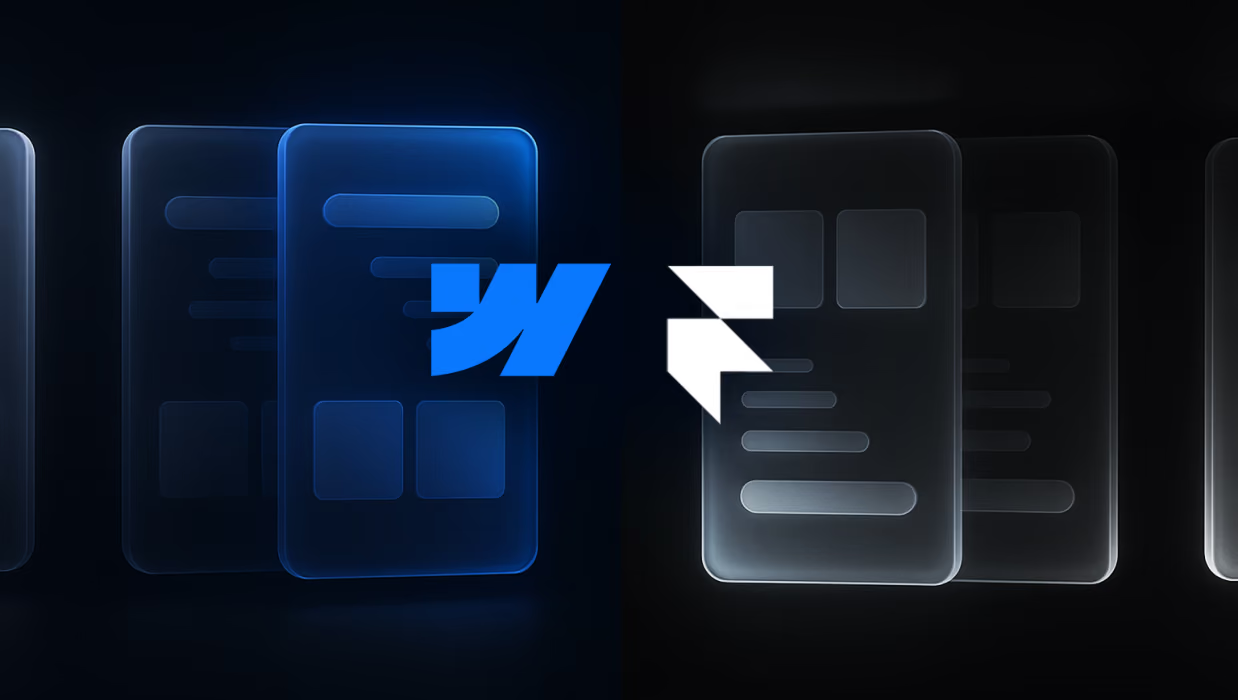

Framer vs Webflow for B2B SaaS: Which Platform Fits Your Growth Stage
Most B2B SaaS teams rely on multiple external tools to track user behavior and run tests. Webflow now combines analytics and optimization directly in the platform. This changes how fast you can gather insights and act on them.